
 en
en
Overwatch x Opera GX Collab Sets the Stage for OW World Cup 2026

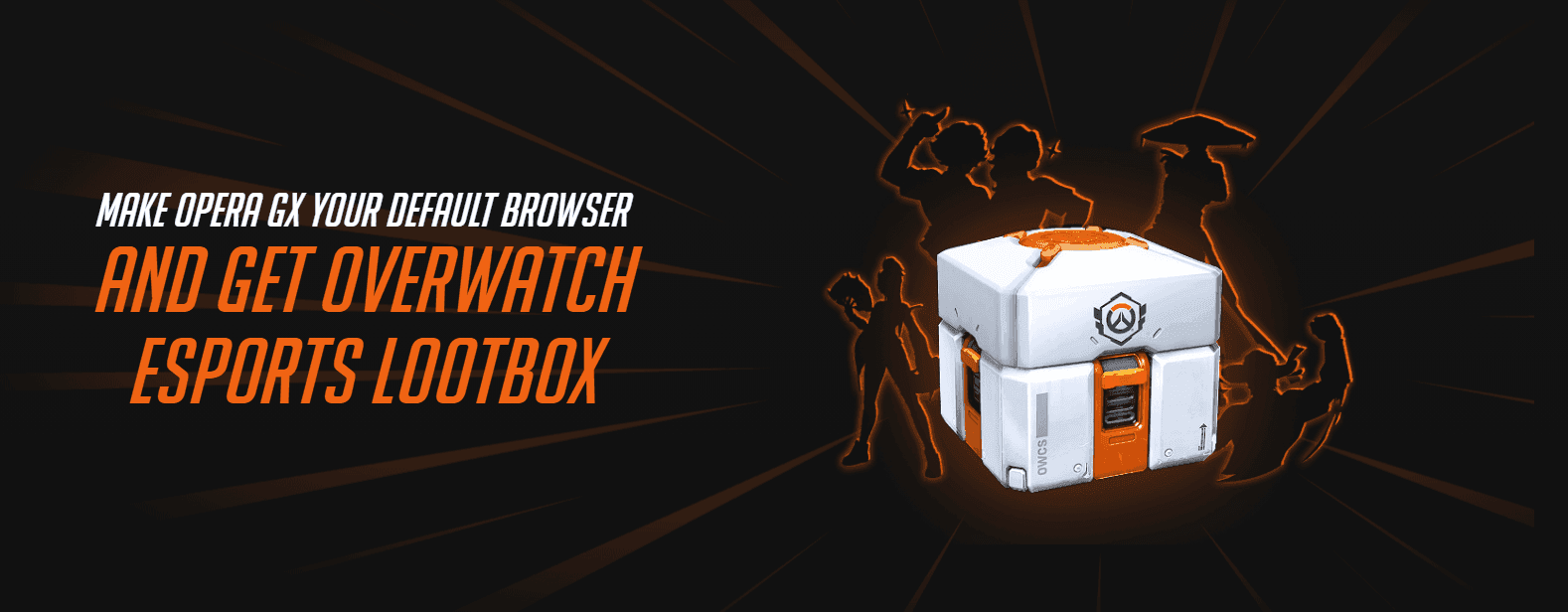
Overwatch has partnered with gaming web browser Opera GX for an event-exclusive Battlepass for Overwatch World Cup 2026. Throughout the tournament, players can simply hop into the browser every day to get their hands on the 21 exclusive rewards. Players can also obtain an Esports Loot Box by switching to Opera GX as their main browser.
Here’s everything to know about the Overwatch x Opera GX collaboration.
How to Claim Overwatch World Cup Rewards on Opera GX
Claiming the Overwatch World Cup Battle Pass rewards is fairly straightforward. Here are the steps:
1) Head to the collaboration page and download the browser. If you already have it installed, you may be asked to update it.
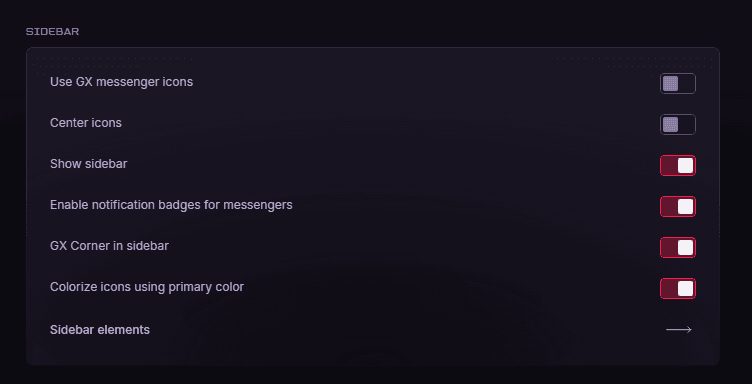
2) Ensure the sidebar is enabled. Go to Settings, search for "sidebar," and enable "Show sidebar." In the same section, scroll to the bottom and click "Sidebar elements." This will take you to another page, where you can find "GX Rewards" under "Special Features." Enable it. The sidebar will now be accessible, along with the "GX Rewards" option, which can be identified by a gift box icon.
3) Click on GX Rewards and select the Overwatch World Cup option.
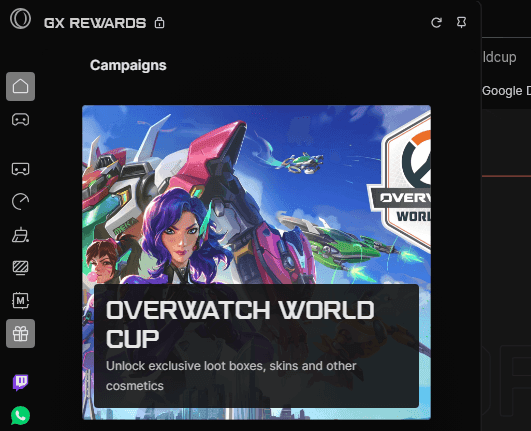
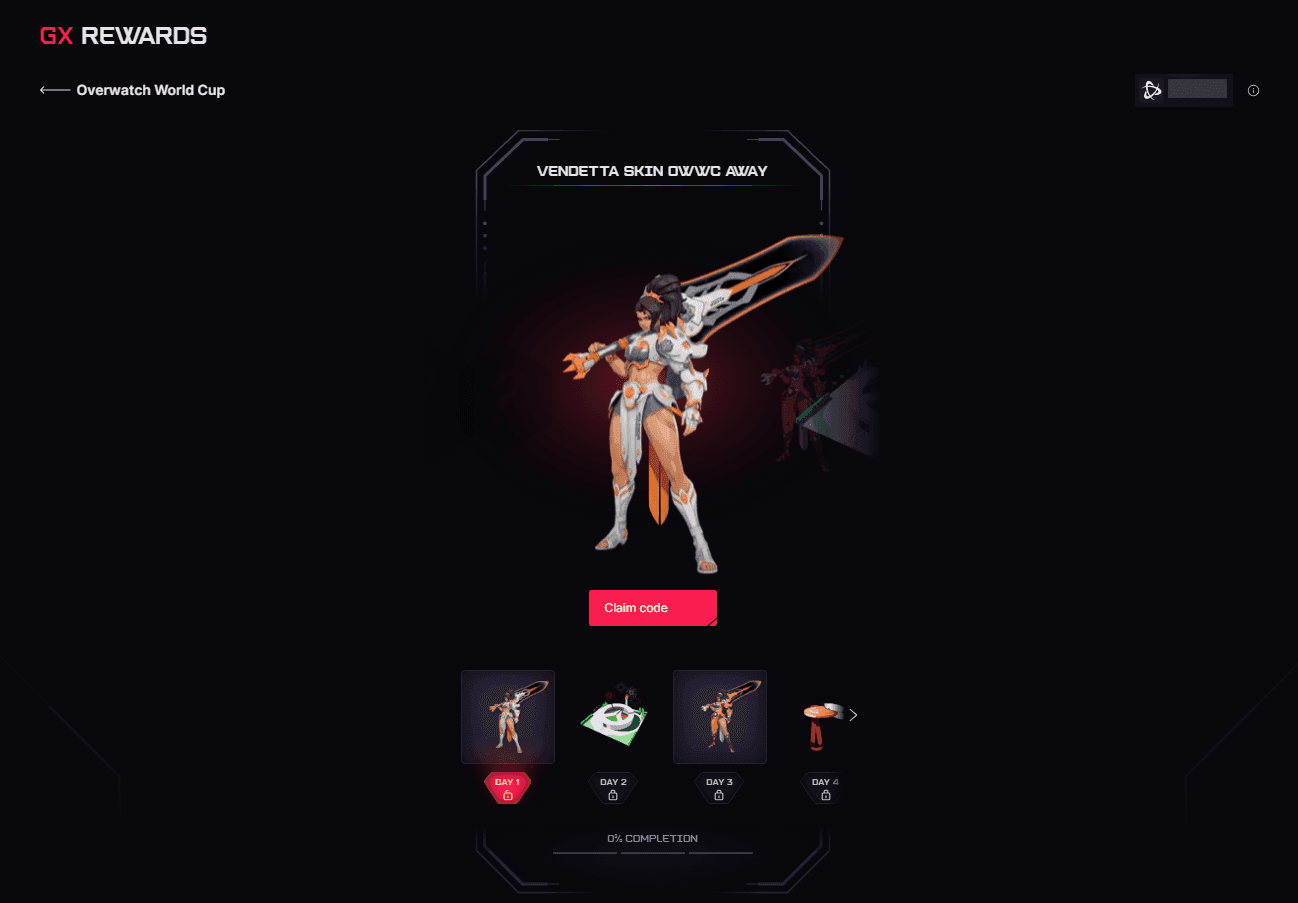
4) Log in with your Battle.net account. Note that some players have encountered an error here. If the next page fails to load, right‑click the "Log In" button, select "Copy Address," and open it in a new tab.
5) Once logged in, you will automatically claim the Day 1 reward. After that, you can claim each subsequent reward with daily logins.
All Opera GX Rewards for Overwatch World Cup 2026
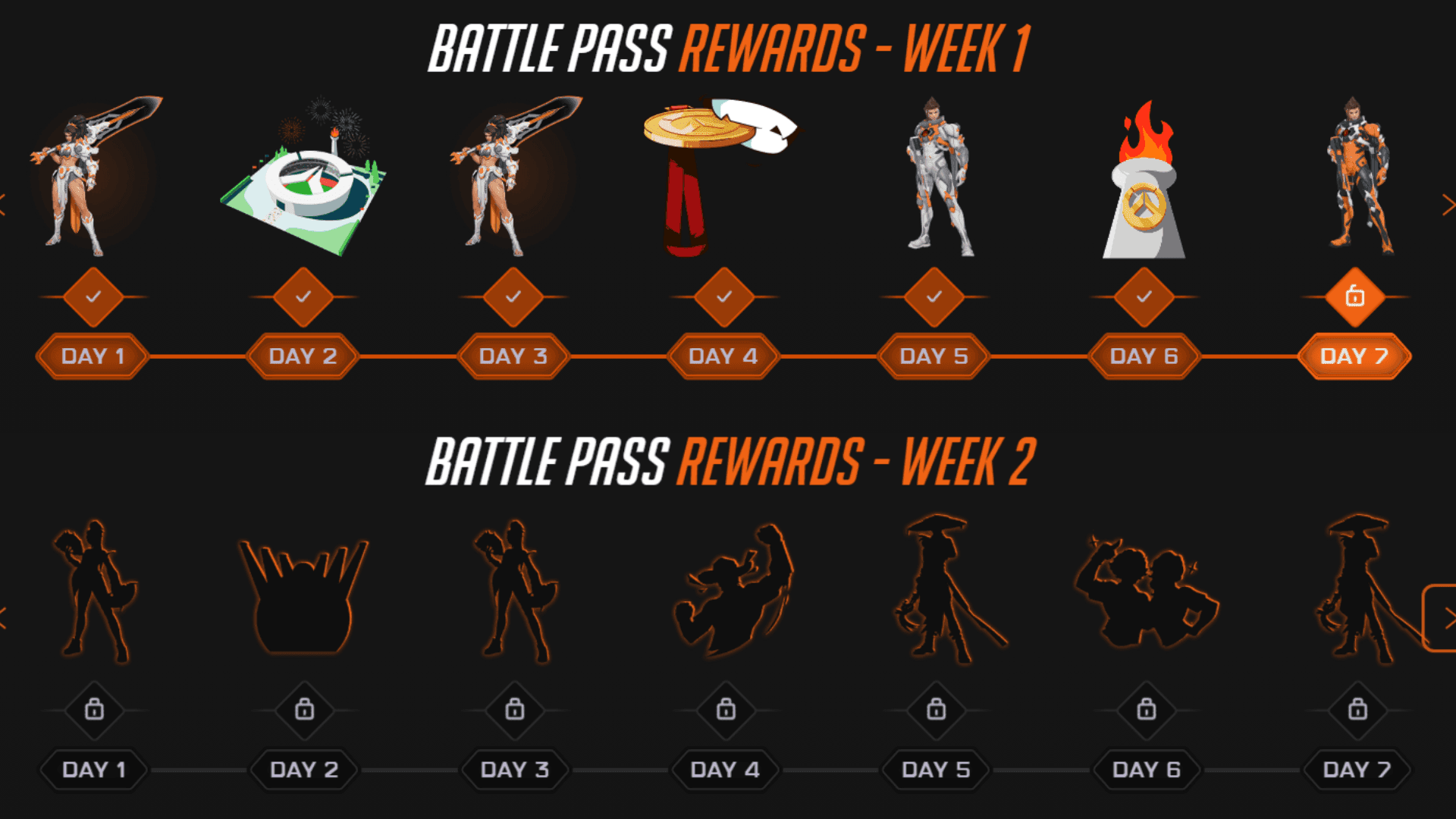
So far, only the first week's rewards have been revealed. These include four OWWC‑themed recolor skins — two each for Vendetta and Emre — along with three sprays. Based on the silhouette provided for the second week's rewards, Anran and Mizuki will be the next heroes to receive skins.
Below is a look at all the daily login rewards:
Additionally, you can get an Esports Loot Box by making Opera GX your default browser.
Overwatch World Cup Mods on Opera GX
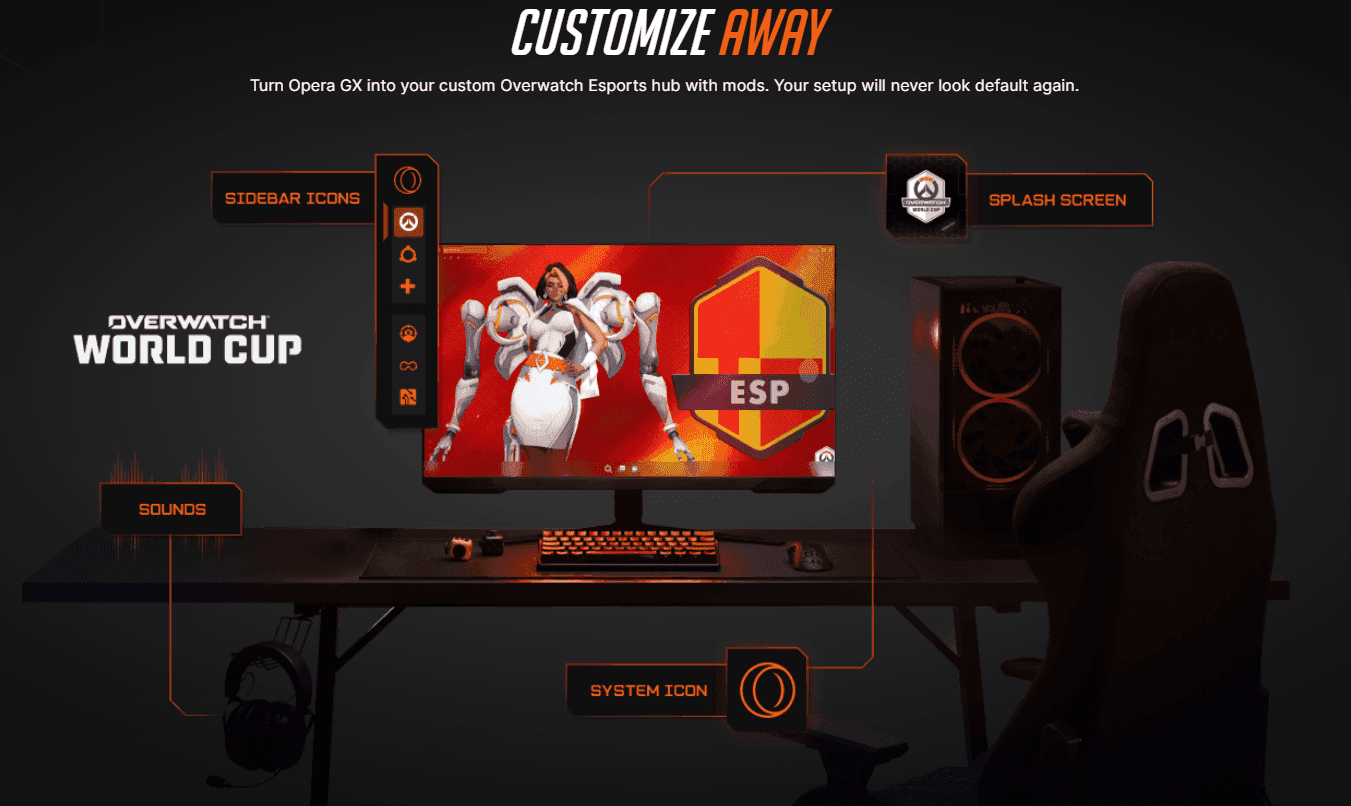
As part of the new collaboration, Opera GX has introduced several Overwatch World Cup‑themed mods. In addition to an official OWWC mod, there are unique mods designed after the 16 qualifying countries, allowing players to customize various aspects of the browser, such as the home screen, audio, and icons.
Even without installing the mods, you can still access the Overwatch World Cup 2026 schedule, Group Stage rankings, OWCS timeline, and other related content through the OWWC hub on Opera GX.
You can also follow the Overwatch World Cup 2026 live on Strafe.
Follow Strafe Esports for the latest Overwatch news, and our X account for the latest content and coverage. Also, stay tuned to Strafe's YouTube channel for exclusive interviews, press conferences, and more.
Featured Image Credit: Blizzard Entertainment
Read More:
Overwatch World Cup 2026 Drops: All Viewership Rewards, Esports Loot Boxes, and More
Overwatch World Cup 2026: Teams, Schedule, Where to Watch, and More
![Esports to Exit Asian Games After 2026, New Dedicated Event Confirmed for 2027 [UPDATED]](https://strafe-uploads-prod.s3.us-east-1.amazonaws.com/TEAM_KOREA_318e4cb137.jpg)